START S-401X · SMART S-451X
New 4G / 2G GPS trackers
Connect a range of wired and wireless sensors and accessories. Use Complex Events to create custom automation rules that run directly on the tracker.
Bluetooth 5.0RS‑485 on selected models
NAVTELECOM ECOSYSTEM
GPS trackers and device software
We design and manufacture GPS trackers and develop the software to set them up and maintain them. Our trackers send vehicle data to compatible fleet monitoring platforms.
01 · HARDWARE
Tracking devices
Find a GPS tracker for everyday vehicle monitoring or an installation with more sensors and equipment.
Explore Devices02 · ENGINEERING
Vehicle data with CAN Spy
Identify data from vehicle electronics and set up your tracker to read it.
Explore CAN Spy03 · SOFTWARE
Software
Configure devices, automate behavior, deploy updates remotely and support every stage of the device lifecycle.
Explore SoftwareNAVTELECOM EXPERTISE
Proven through real deployments
In-house hardware, firmware and software engineering backed by two decades of telematics experience.
36-month warranty10+ year product lifecycle
DISCOVER OUR LINEUP
Three series. One clear choice for every project
Choose the level of connectivity, control and integration your project requires.
COST-EFFECTIVE · COMPACT
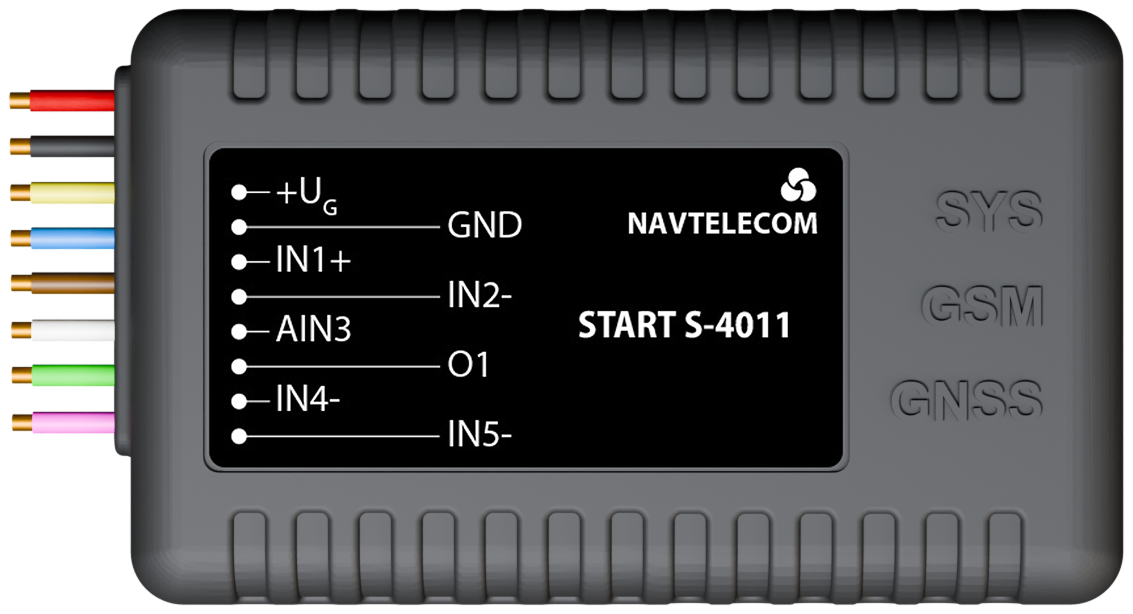
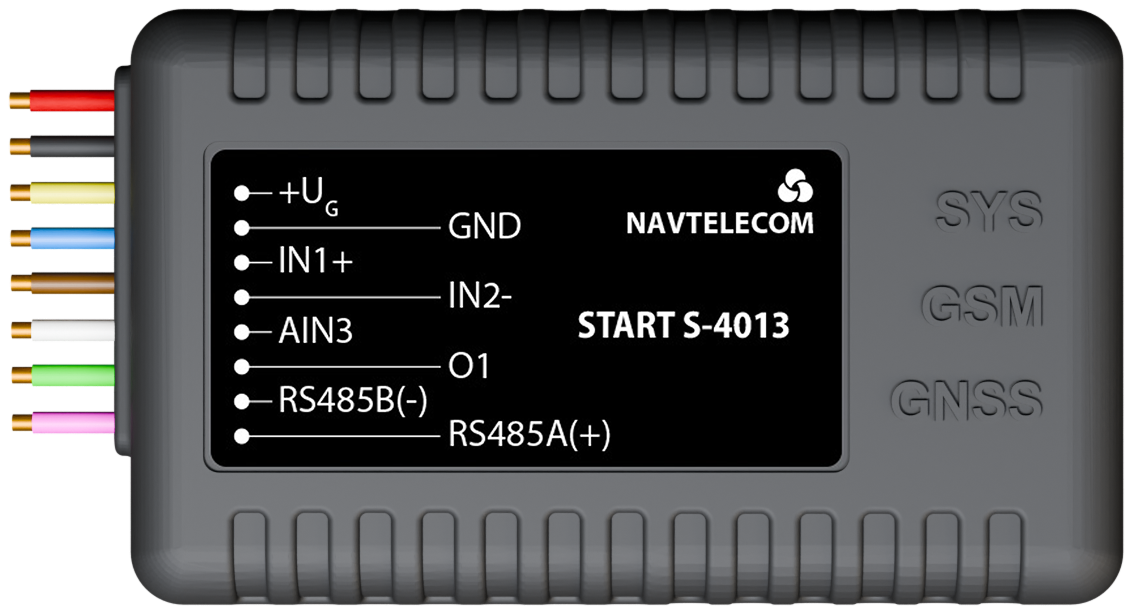
START Series
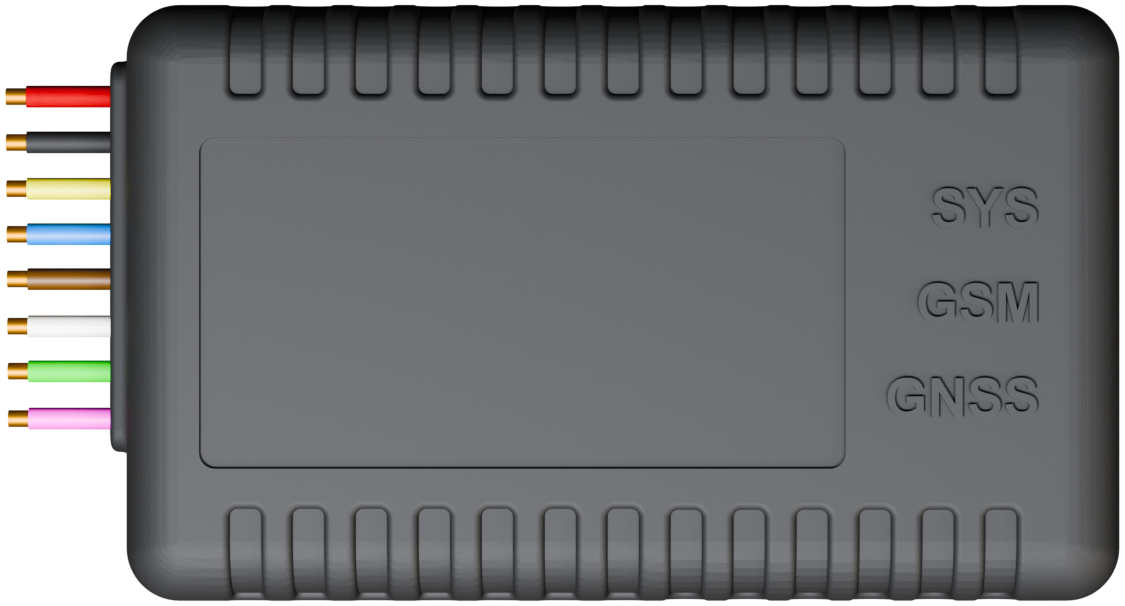
Our entry-level GPS trackers for everyday vehicle tracking and basic monitoring.
- GPS tracking
- BLE sensors
- Compact installation
FLEXIBLE CONNECTIONS
SMART Series

From basic to professional GPS trackers, with models offering universal inputs, sensor connections and access to vehicle data through CAN.
- CAN options
- RS-485 & Modbus
- Custom logic
EXTERNAL ANTENNAS
SIGNAL Series
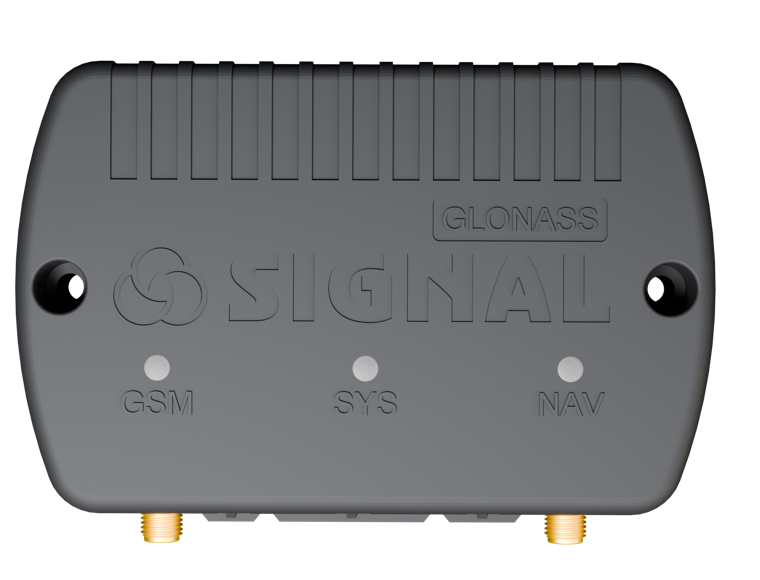
GPS trackers with external antennas and more inputs and outputs for installations that connect multiple devices.
- External antennas
- More inputs and outputs
- Driver communication
DEVICE SELECTION
Not sure which model fits your requirements?
Compare devices by network, interfaces, inputs, outputs and supported capabilities.SOFTWARE ECOSYSTEM
Tools for the complete device lifecycle
Configure, integrate, automate, deploy and support Navtelecom devices with software built by the same engineering team.
01

NTC Configurator
Set up and test trackers from a Windows, Mac or Linux computer. Save settings to reuse on other devices.
Explore NTC Configurator02

CAN Spy
Find out which data the vehicle’s electronics send and configure the tracker to read it.
Explore CAN Spy03

DRC
Manage groups of trackers remotely in a web browser. Send settings and firmware updates to multiple devices at once.
Explore DRC04

Complex Events
Build custom on-device logic for automation, integration and control with offline execution.
Explore Complex Events05

NTC Control
Use your Android phone or iPhone to set up a compatible tracker and check that it works during installation or servicing.
Explore NTC Control06

Eco Driving
Turn driving-event data into practical scoring, coaching and fleet-safety insights.
Explore Eco DrivingBUILT IN-HOUSE
Designed to work as one system
Hardware, firmware and engineering software are developed by one team, reducing integration risk and keeping every layer aligned.
HOW THE SYSTEM WORKS
One connected path from vehicle to platform
See how raw signals become structured telemetry that fleet platforms can use for monitoring, automation and operations.
Vehicle & sensors
GNSS, CAN, BLE and wired peripherals provide the source data.

Navtelecom device
Captures, normalizes and combines incoming data
On-device logic
Applies rules, events and automation inside the device
Fleet platform
Receives structured telemetry for monitoring and operations
TECHNOLOGY PARTNERS
Compatible by design
Navtelecom devices integrate with trusted telematics platforms, connected sensors and automation equipment for vehicle, fleet and industrial projects.











QUICK ANSWERS
Start with the essentials
Find downloads, remote-management tools and technical documentation for your Navtelecom project.
View All QuestionsNTC Configurator
NTC Control
- SMS Commands
Send direct commands for APN, server settings, status and reboot.
- NTC Configurator through RCS
Connect to an online device, read or write configuration and update firmware.
- DRC Cloud Service
Use remote updates, configuration sync, diagnostics and device health monitoring.
- Get the platform settings
Obtain the server address, port and supported device type from the platform provider. Create the object with the identifier it requires.
- Configure the tracker
Set mobile-data access and server settings, write the configuration, and enable the telemetry fields you need.
- Verify incoming data
Inspect actual incoming platform messages, not only values in Configurator. Do not copy a port from another model or platform.
- For your own server
Implement the NTCB/FLEX identification, mask negotiation and acknowledgements described in the examples.