NEW TRACKING MODELS
Meet the S-401X and S-451X models
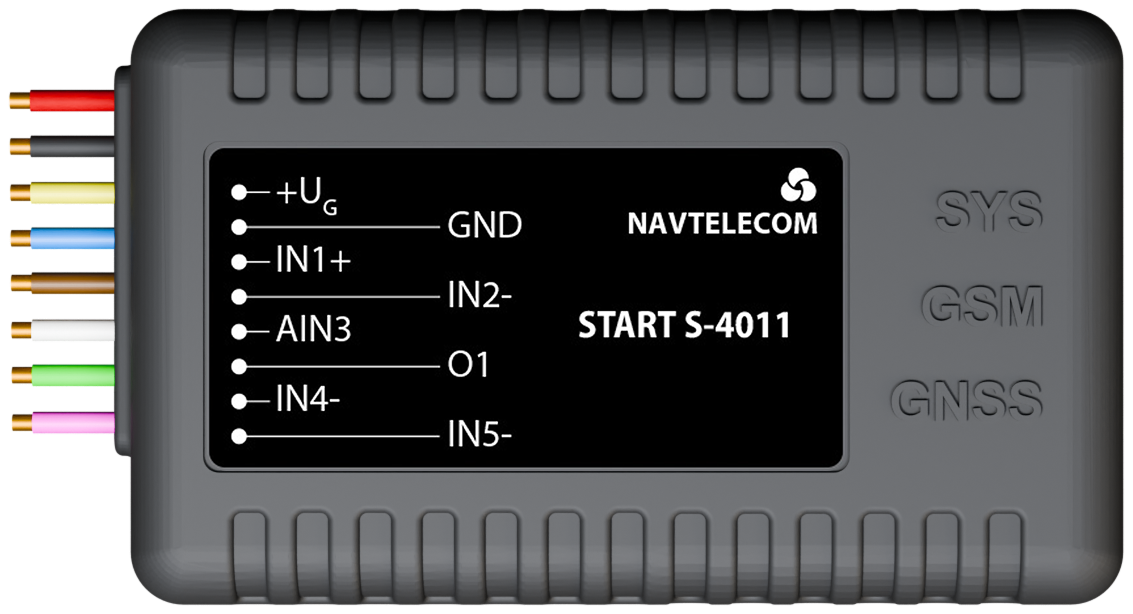
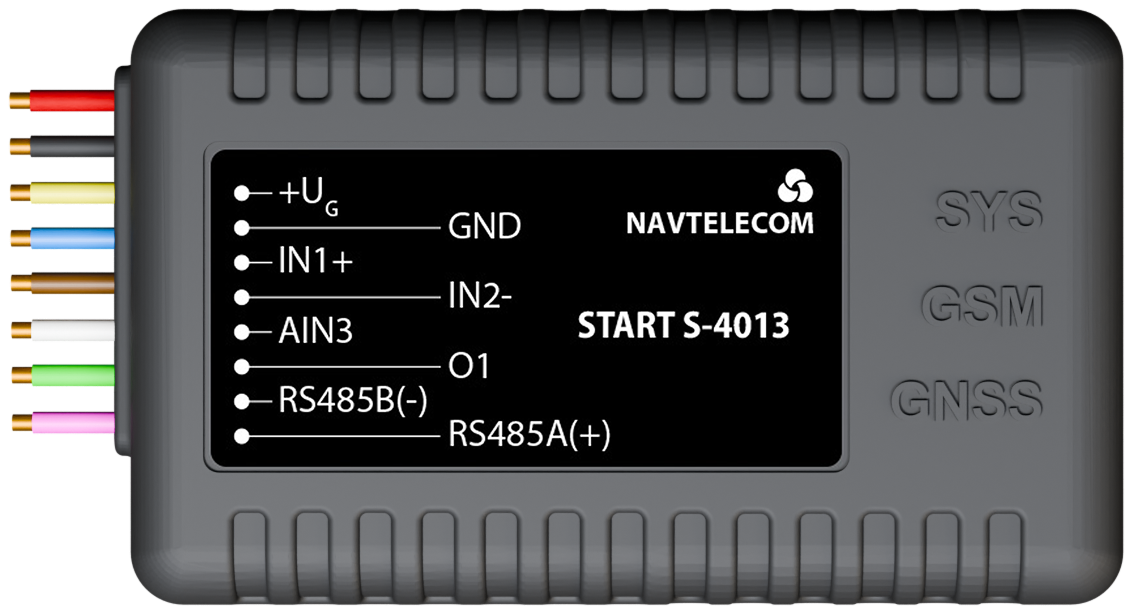
New 4G / 2G START and SMART trackers with flexible peripherals and unlimited RS‑485 on equipped models.
4G / 2G connectivitySTART & SMARTUnlimited RS‑485
NAVTELECOM ECOSYSTEM
Everything your telematics project needs
One engineering ecosystem connects the device in the vehicle, the tools used to access its data and the software that supports deployment throughout its lifecycle.
01 · HARDWARE
Tracking devices
Explore START, SMART and SIGNAL hardware for compact tracking, flexible integrations and professional expanded I/O.
Explore Devices02 · ENGINEERING
CAN Engineering
Capture vehicle traffic, decode parameters and prepare reusable data configurations with professional engineering tools.
Explore CAN Tools03 · SOFTWARE
Software
Configure devices, automate behavior, deploy updates remotely and support every stage of the device lifecycle.
Explore SoftwareNAVTELECOM EXPERTISE
Proven through real deployments
In-house hardware, firmware and software engineering backed by two decades of telematics experience.
36-month warranty10+ year product lifecycle
DISCOVER OUR LINEUP
Three series. One clear choice for every project
Choose the level of connectivity, control and integration your project requires.
COST-EFFECTIVE · COMPACT
START Series
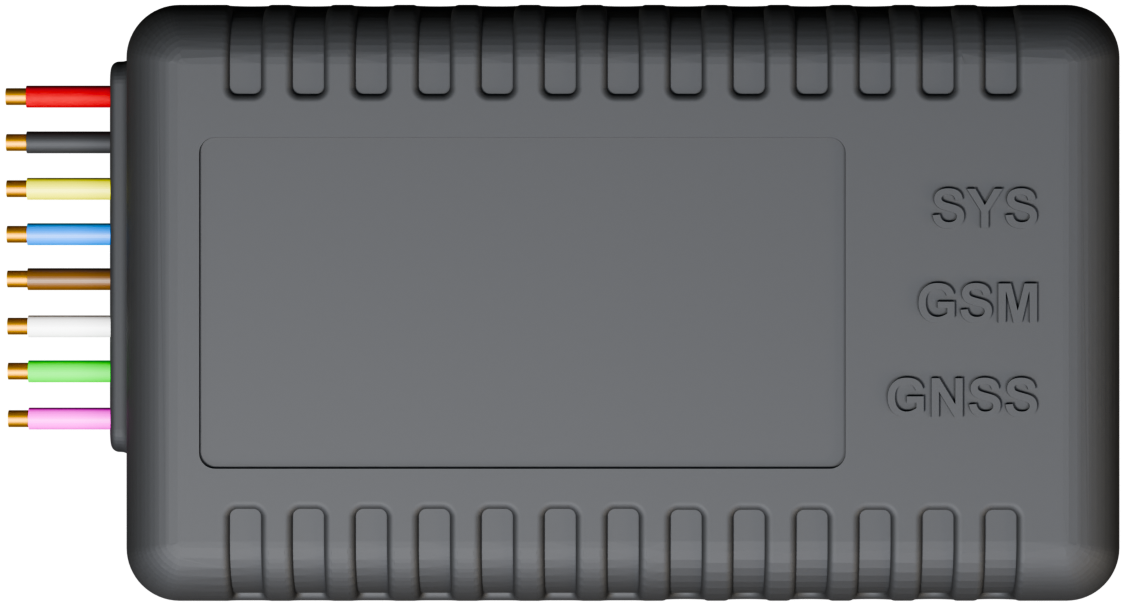
Essential vehicle tracking, fuel monitoring and connected sensors in a compact enclosure.
- GPS tracking
- BLE sensors
- Compact installation
FLEXIBLE · CONFIGURABLE
SMART Series
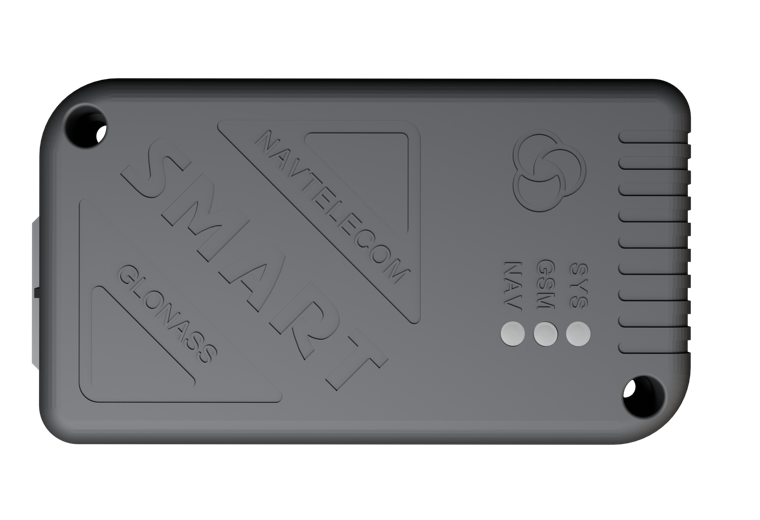
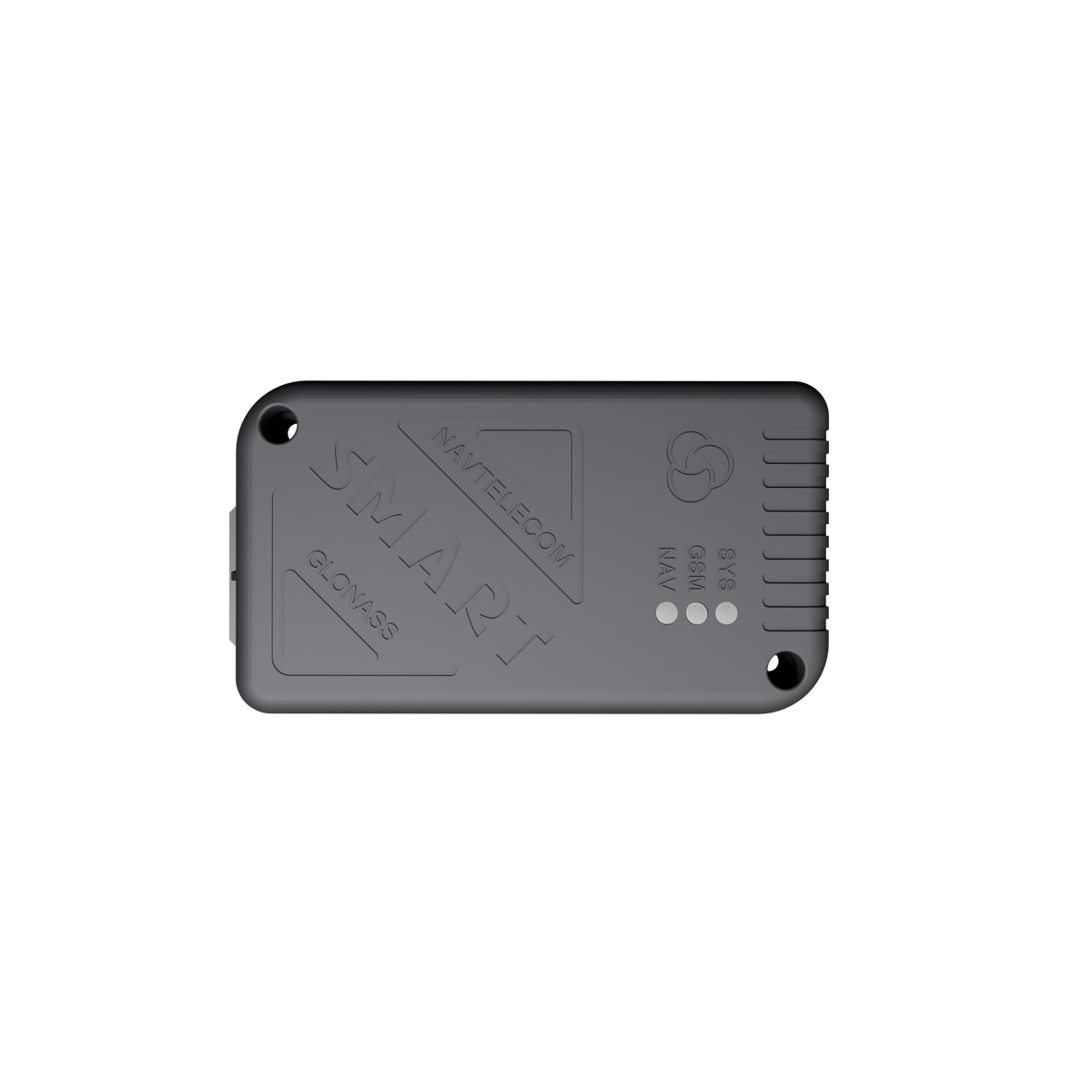
Flexible fleet projects that need CAN, wired peripherals and configurable device logic.
- CAN options
- RS-485 & Modbus
- Custom logic
PROFESSIONAL · EXPANDED I/O
SIGNAL Series
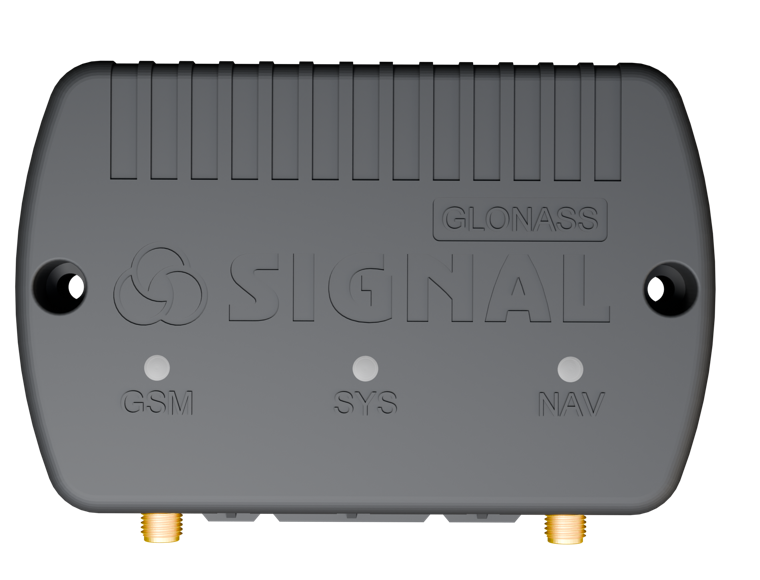
Professional integrations with expanded I/O, external antennas and driver communication.
- Expanded I/O
- External antennas
- Driver communication
DEVICE SELECTION
Not sure which model fits your requirements?
Compare devices by network, interfaces, inputs, outputs and supported capabilities.SOFTWARE ECOSYSTEM
Tools for the complete device lifecycle
Configure, integrate, automate, deploy and support Navtelecom devices with software built by the same engineering team.
01
NTC Configurator
Configure devices, create templates and work with telemetry from Windows, macOS or Linux.
Explore NTC Configurator02

CAN Spy
Capture CAN traffic, decode vehicle parameters and prepare reusable decoding files.
Explore CAN Spy03

DRC
Manage device groups and distribute files, configurations and tasks remotely.
Explore DRC04

Complex Events
Build custom on-device logic for automation, integration and control with offline execution.
Explore Complex Events05

NTC Control
Connect to supported devices from Android and iOS for convenient field work.
Explore NTC Control06

Eco Driving
Turn driving-event data into practical scoring, coaching and fleet-safety insights.
Explore Eco DrivingBUILT IN-HOUSE
Designed to work as one system
Hardware, firmware and engineering software are developed by one team, reducing integration risk and keeping every layer aligned.
HOW THE SYSTEM WORKS
One connected path from vehicle to platform
See how raw signals become structured telemetry that fleet platforms can use for monitoring, automation and operations.
Vehicle & sensors
GNSS, CAN, BLE and wired peripherals provide the source data.

Navtelecom device
Captures, normalizes and combines incoming data
On-device logic
Applies rules, events and automation inside the device
Fleet platform
Receives structured telemetry for monitoring and operations
TECHNOLOGY PARTNERS
Compatible by design
Navtelecom devices integrate with trusted telematics platforms, connected sensors and automation equipment for vehicle, fleet and industrial projects.









QUICK ANSWERS
Start with the essentials
Find downloads, remote-management tools and technical documentation for your Navtelecom project.
View All QuestionsNTC Configurator
NTC Control
- SMS Commands
Send direct commands for APN, server settings, status and reboot.
- NTC Configurator through RCS
Connect to an online device, read or write configuration and update firmware.
- DRC Cloud Service
Use remote updates, configuration sync, diagnostics and device health monitoring.
- Get the platform settings
Obtain the server address, port and supported device type from the platform provider. Create the object with the identifier it requires.
- Configure the tracker
Set mobile-data access and server settings, write the configuration, and enable the telemetry fields you need.
- Verify incoming data
Inspect actual incoming platform messages, not only values in Configurator. Do not copy a port from another model or platform.
- For your own server
Implement the NTCB/FLEX identification, mask negotiation and acknowledgements described in the examples.