Centralized Device Management
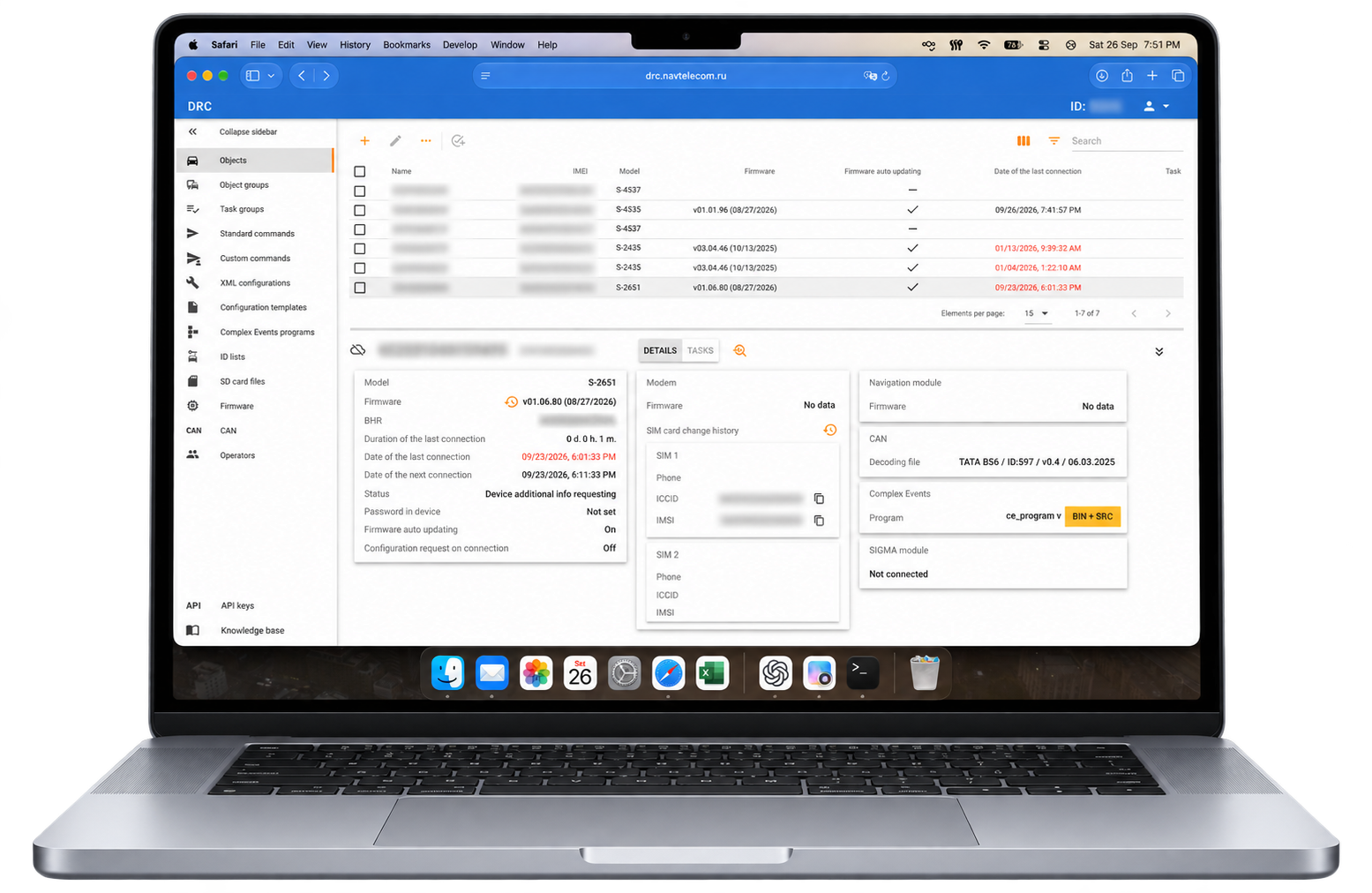
Manage individual devices and large device groups through a single web interface.
Remote device management
Configure, diagnose and update Navtelecom trackers remotely from your browser. Manage one tracker or roll out changes to a group of devices.
Core Capabilities
Manage individual devices and large device groups through a single web interface.
Send commands, update firmware and deploy configuration files to hundreds of devices at once.
Diagnose and maintain devices remotely, including units no longer communicating with the monitoring platform.
Organize devices into groups, assign tasks and monitor execution status from one workspace.
Deploy configuration files, CAN decoding files and device settings across multiple units.
Integrate DRC with internal systems and automate remote device management.
View API DocumentationWhat You Can Manage
Deploy essential files, settings and service operations without handling devices one by one.
How DRC Works
Register your DRC account and associate the required Navtelecom devices with it.
Select devices, define the required operation and add the task to the execution queue.
Devices connect to DRC, execute queued tasks and report their current status and results.
Clear Product Role
DRC is designed for remote device configuration, diagnostics and maintenance. It does not provide vehicle maps or store location history.
Practical Use Cases
Apply consistent configurations and firmware across large device deployments.
Remotely update connection settings when moving devices to another monitoring platform.
Diagnose device behaviour and reduce unnecessary on-site visits.
Connect DRC to internal systems and automate recurring operations through the API.
Engineering Ecosystem
Prepare CAN decoding files and custom device logic with dedicated tools, then distribute both through DRC to device groups.
Create and validate custom CAN decoding files.
Explore CAN SpyCreate custom device operating logic.
Explore Complex EventsReceive CAN files and Complex Events logic, then create remote deployment tasks.
Central deploymentReceive assigned files and logic, execute tasks and report deployment status.
Managed devicesDRC API
Integrate DRC with internal systems to automate device provisioning, task creation and remote management operations.
View API DocumentationAccess DRC to configure, diagnose and maintain your Navtelecom device deployment remotely.