Basic Device Configuration
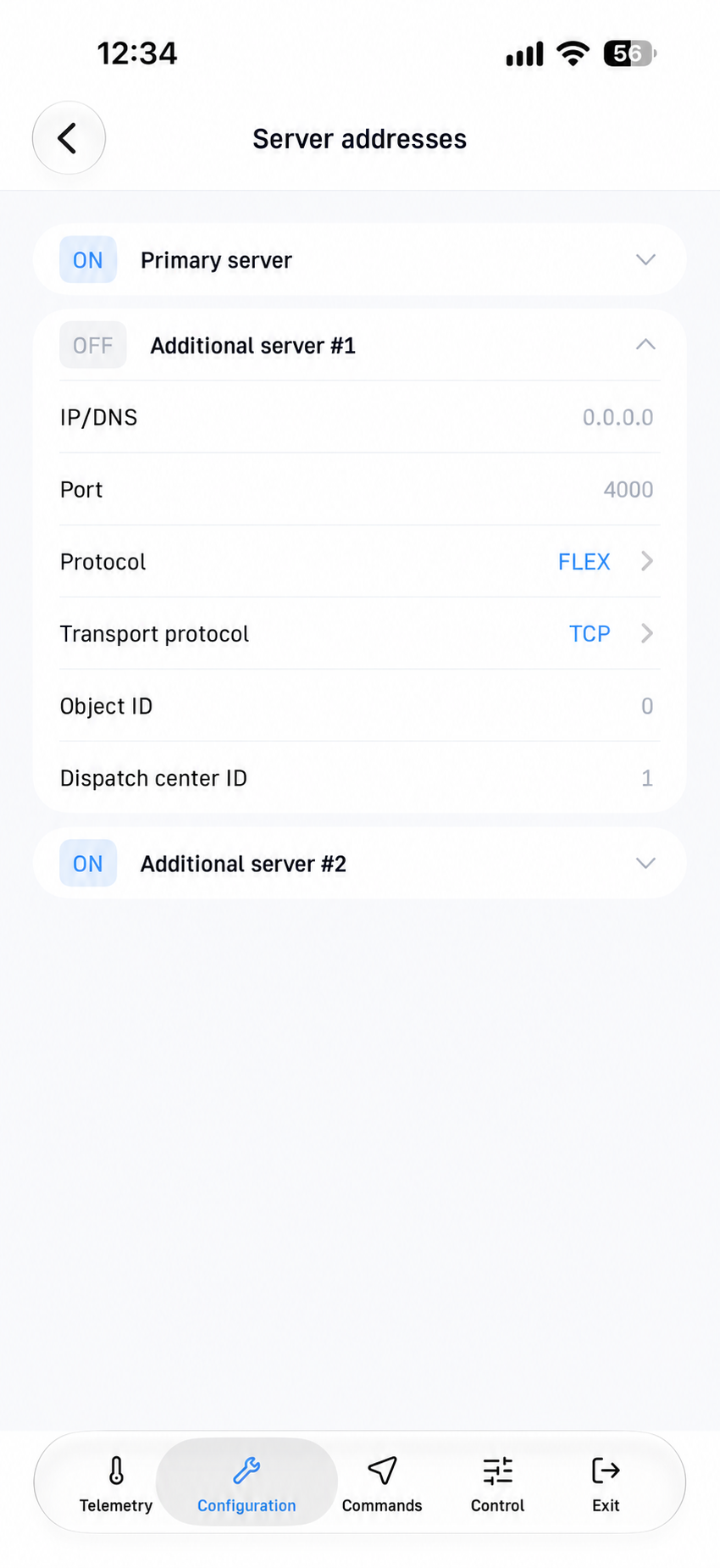
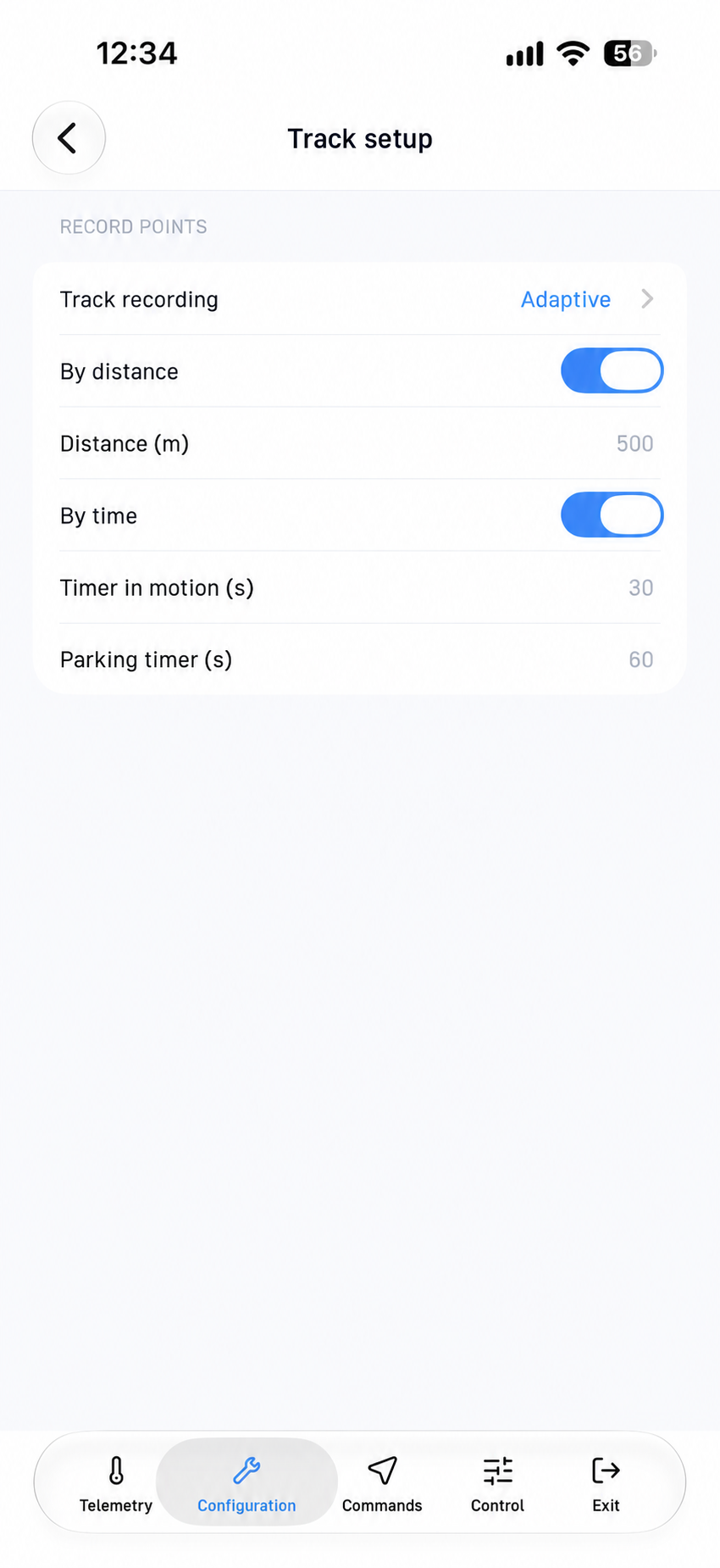
Configure the essential parameters required to prepare a Navtelecom device for vehicle monitoring.
Mobile device configuration and diagnostics
Configure, diagnose and service supported Navtelecom devices locally or remotely from your smartphone, without carrying a laptop.
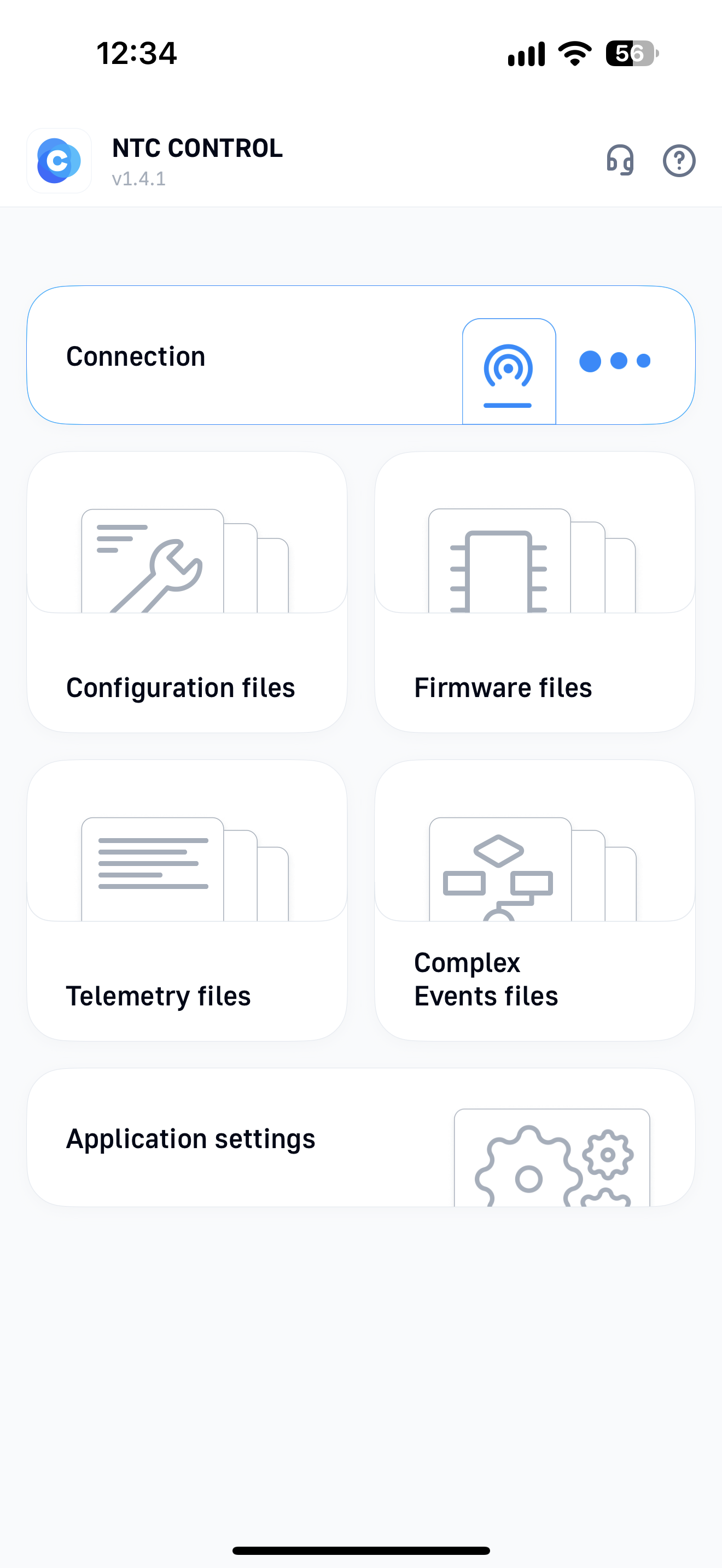
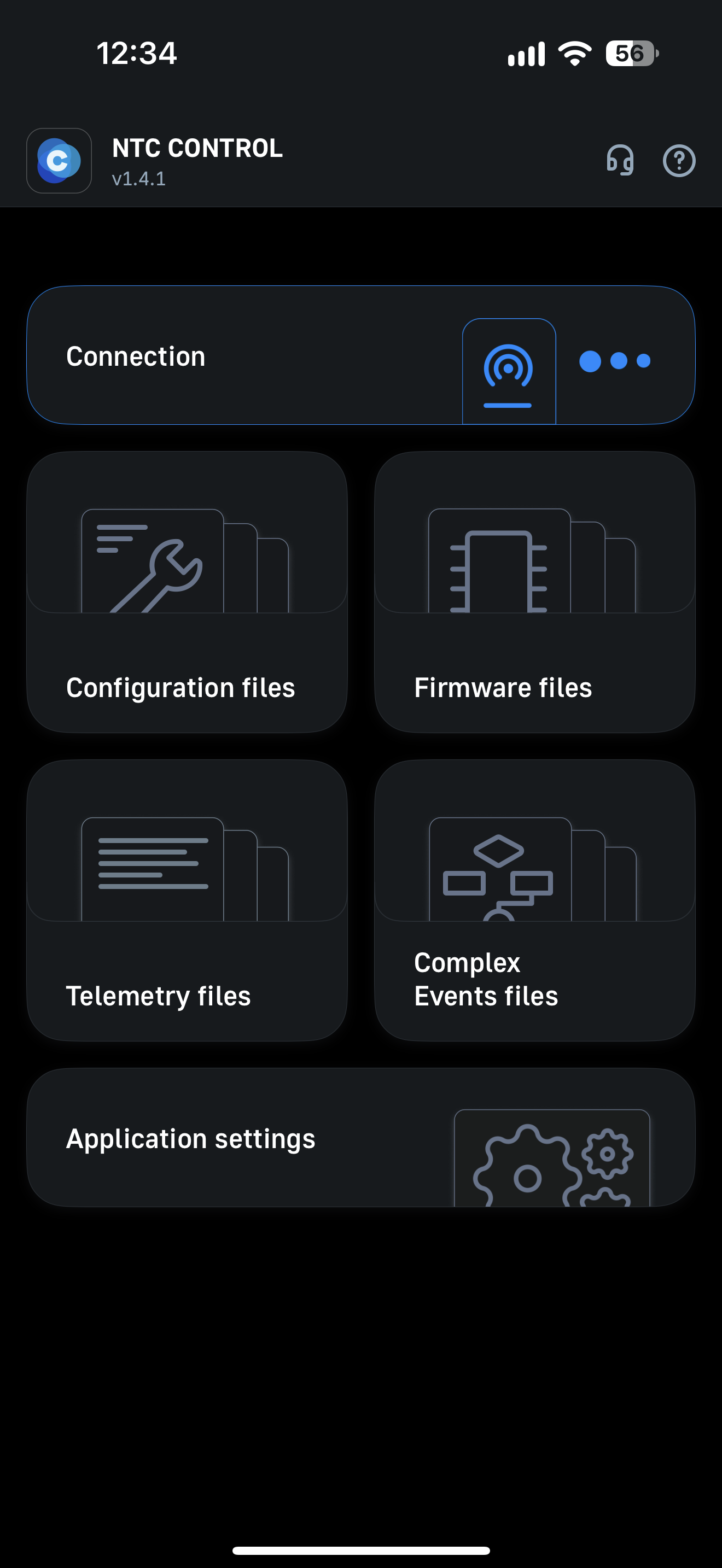
App interface shown for reference. Actual appearance and available features may vary by version, device and platform.
Core capabilities
Configure a device, verify the installation and complete essential service operations directly from your smartphone.
Configure the essential parameters required to prepare a Navtelecom device for vehicle monitoring.
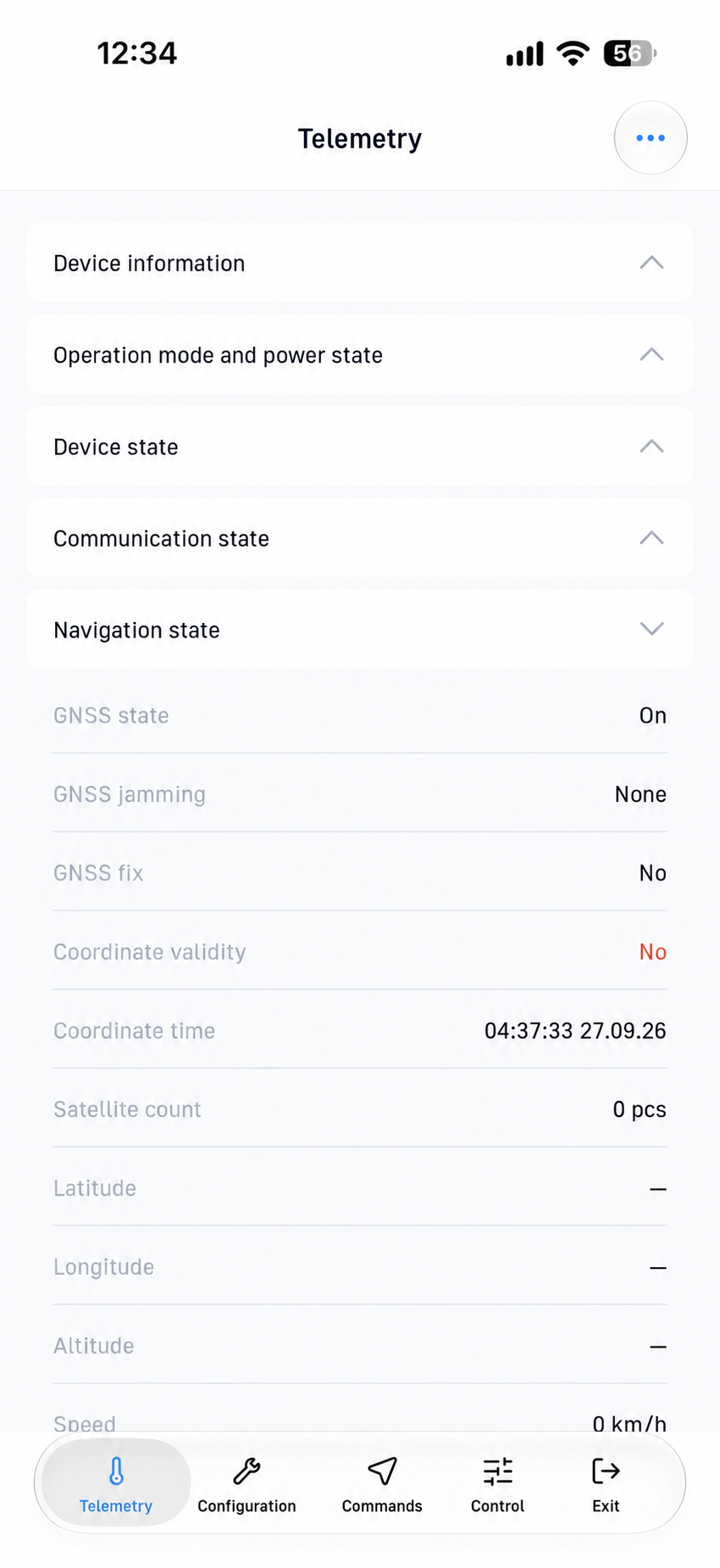
View current telemetry and sensor values to confirm that the device is operating correctly.
Download telemetry stored in device memory and upload it to the server from your smartphone.
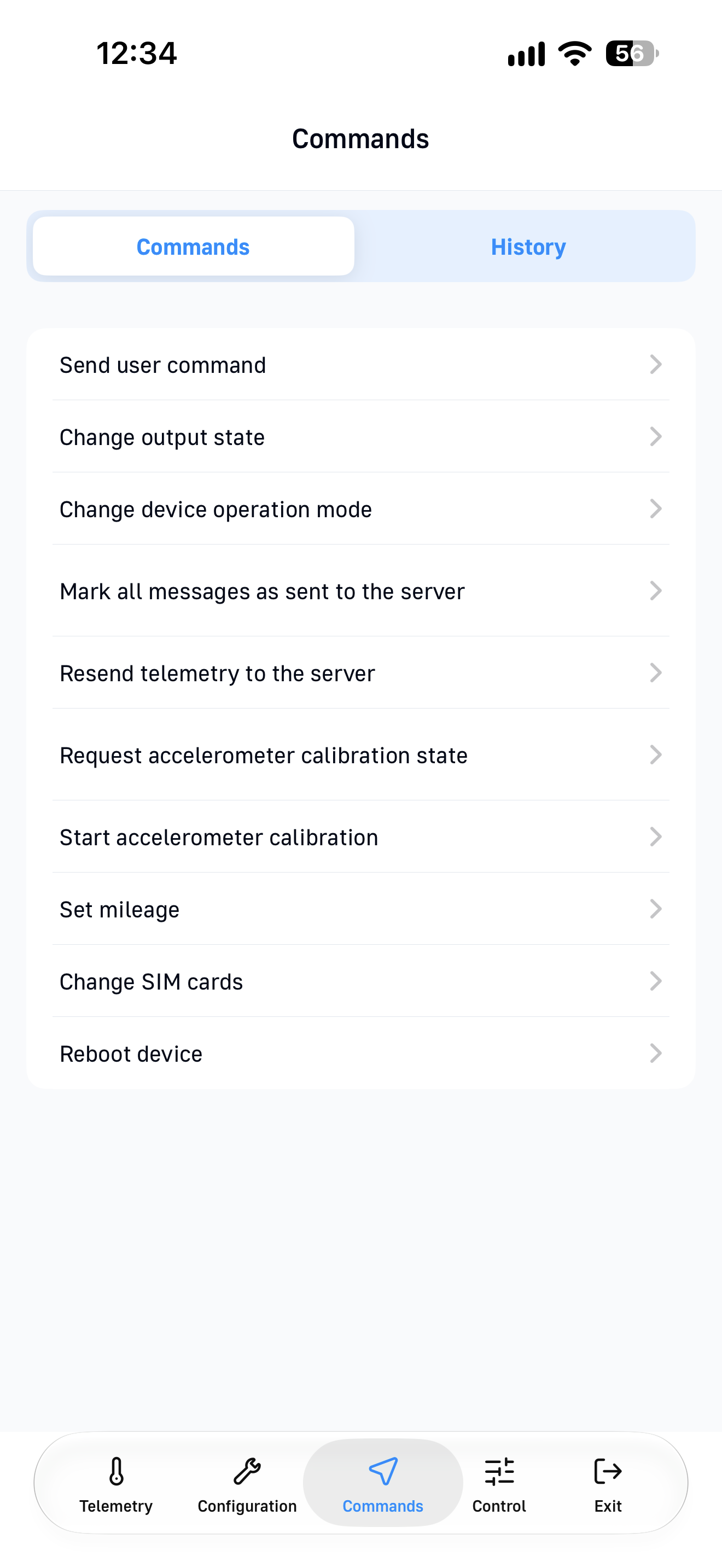
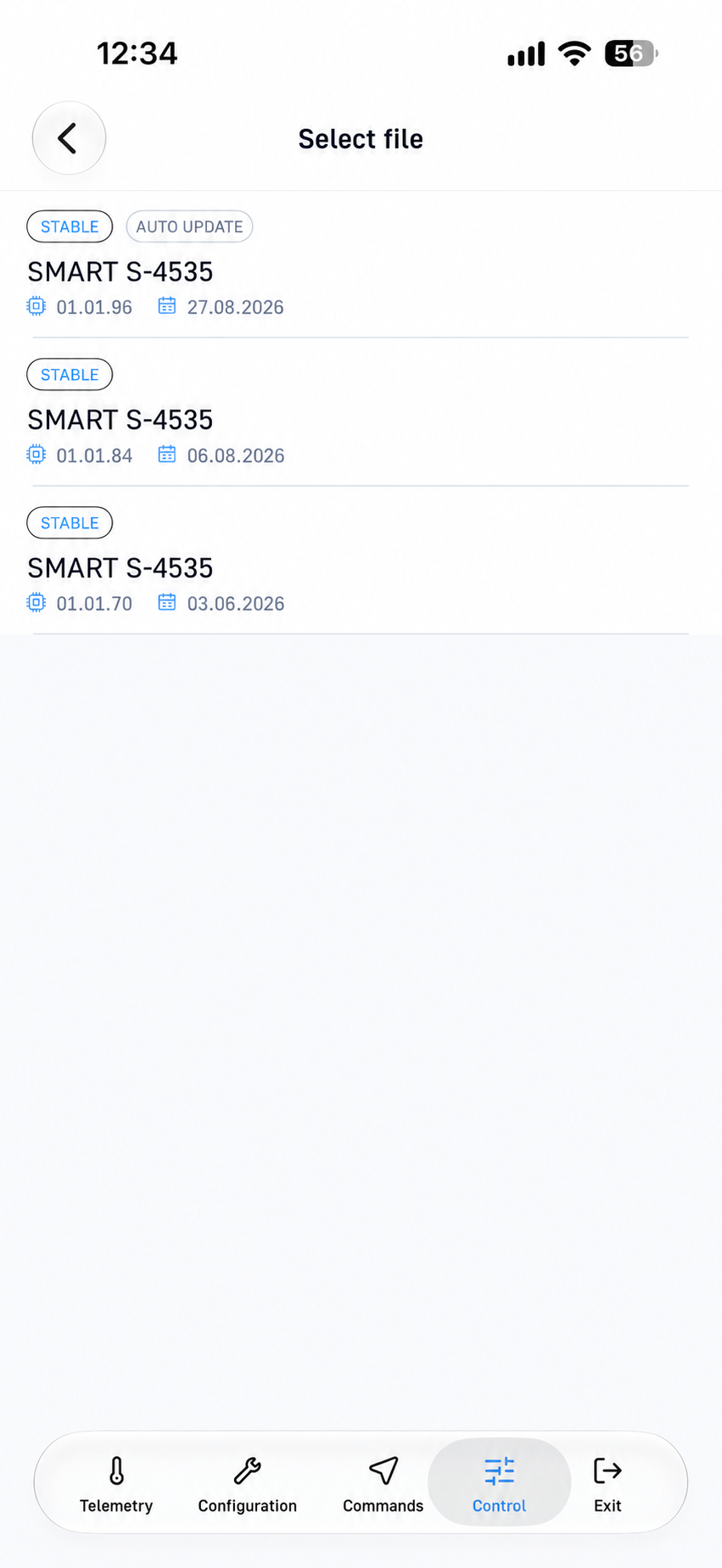
Update device firmware and send standard or custom commands directly from the application.
Connect locally via Bluetooth or USB, or access supported devices remotely over the internet.
Download supported files from the device SD card and perform essential service operations.
NTC Control in action
Move from live diagnostics to configuration and service actions using the same interface your field team carries every day.
Selected screens are shown as examples. Available settings and capabilities may vary by app version, device model, connection method and platform, and additional options may be available.
Connection methods
Choose the connection method available for the device, mobile platform and service scenario.
Connect directly to compatible Bluetooth-enabled Navtelecom devices.
Access supported devices remotely through the Navtelecom remote connection service.
Connect supported Android smartphones using USB Host mode and an OTG cable.
Current device compatibility
Supported device series and connection methods differ between Android and iOS.
Available functions may vary by device firmware, application version and connection method.
Built for field service
Configure devices and verify installation results directly at the vehicle.
Diagnose devices, retrieve stored telemetry and perform essential maintenance tasks.
Commission Navtelecom devices without carrying a laptop to every installation.
Choose your tool
Documentation
Use focused guides for setup, connection and telemetry recovery.
Explore application functions, connection methods and supported devices.
Open NTC Control GuideFollow the connection process for supported Navtelecom devices.
View Connection GuideLearn how to retrieve stored telemetry and upload it to the server.
View Telemetry GuideConnect, configure and verify Navtelecom devices directly from your smartphone.